How do I add new watch faces to my Amazfit Active 2?
You can add new watch faces through the Zepp app. Keep your Amazfit Active 2 connected to your phone, open the Zepp app, and go to Device > Amazfit Active 2 (Square) > Watch Faces. Here, you can synchronize online watch faces or set a picture from your phone as a customized watch face.
Category:
General Support
-
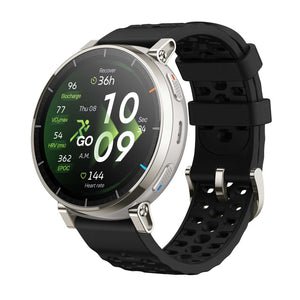
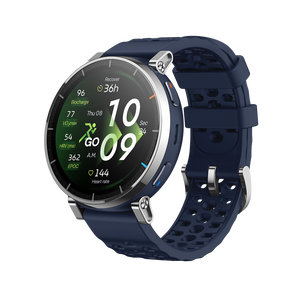
Active 3 Premium
Regular price Rs. 15,999.00Regular priceRs. 17,999.00-Rs. 2,000.00 Sale price Rs. 15,999.00 -
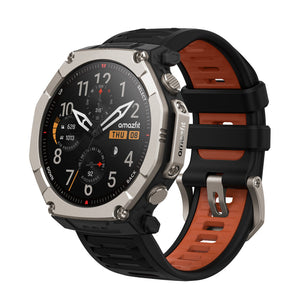

T-Rex Ultra 2
Regular price Rs. 49,999.00Regular priceRs. 59,999.00-Rs. 10,000.00 Sale price Rs. 49,999.00 -
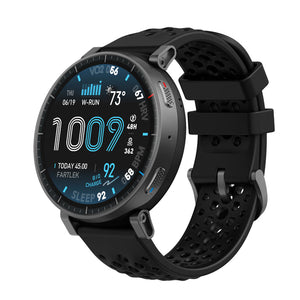

Active Max
Regular price Rs. 15,999.00Regular priceRs. 31,999.00-Rs. 16,000.00 Sale price Rs. 15,999.00 -
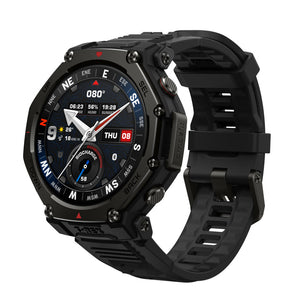

T-Rex 3 Pro
Regular price Rs. 34,999.00Regular priceRs. 69,999.00-Rs. 35,000.00 Sale price Rs. 34,999.00 -
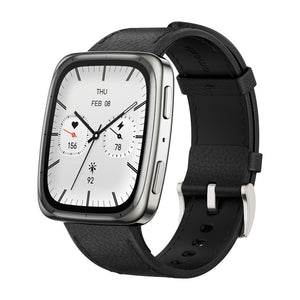
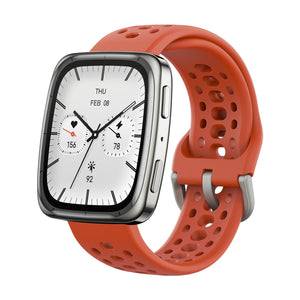
Active 2 (Square)
Regular price Rs. 12,999.00Regular priceRs. 25,999.00-Rs. 13,000.00 Sale price Rs. 12,999.00