
How do I pair my Amazfit T-Rex 3 with my smartphone?
To pair your Amazfit T-Rex 3 with your smartphone, first ensure your device meets the minimum OS requirements (Android 7.0+ or iOS 12.0+). Then, initiate the pairing process by downloading and installing the Zepp app. The Zepp app can be obtained by scanning the QR code displayed on the T-Rex 3's screen or by searching for it in your device's app store. Upon launching the Zepp app, authenticate or create a new account. Next, enable Bluetooth on your smartphone and grant the Zepp app necessary permissions, including Bluetooth and location access. Within the Zepp app, initiate device discovery. The app will prompt you to scan a QR code displayed on your Amazfit T-Rex 3. This QR code facilitates the Bluetooth pairing process and registers the device to your Zepp account. Successful scanning will initiate the pairing sequence, culminating in confirmation messages on both your smartphone and Amazfit T-Rex 3 display.
Category:
Account & Security
-


Amazfit Balance 3
Regular price Rs. 34,999.00Regular priceRs. 39,999.00-Rs. 5,000.00 Sale price Rs. 34,999.00 -


Cheetah 2 Pro
Regular price Rs. 41,999.00Regular priceRs. 49,999.00-Rs. 8,000.00 Sale price Rs. 41,999.00 -


Cheetah 2 Ultra
Regular price Rs. 54,999.00Regular priceRs. 64,999.00-Rs. 10,000.00 Sale price Rs. 54,999.00 -


Amazfit Bip Max
Regular price Rs. 10,999.00Regular priceRs. 11,999.00-Rs. 1,000.00 Sale price Rs. 10,999.00 -
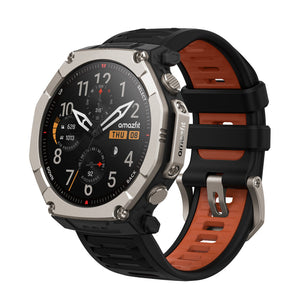

T-Rex Ultra 2
Regular price Rs. 45,999.00Regular priceRs. 59,999.00-Rs. 14,000.00 Sale price Rs. 45,999.00


